

Новое поступление

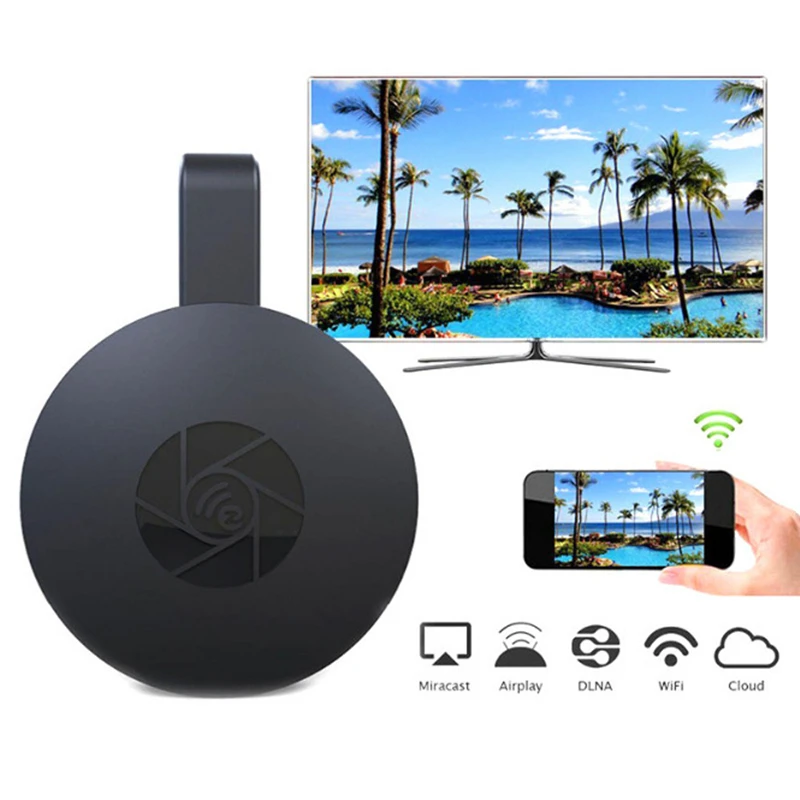
Anycast M2 plus Wireless HDMI Media Video Wi-Fi 1080P Display dongle Receiver Android adapter TV Stick DLNA Airplay Miracast | Электроника

Оригинальная ТВ-приставка Youtube Premium 4K Android 8 1 HDR 2G 8G İ fİ BT4.2 Prime Video Smart Tv Box Media Player
152,96 - 1 535,65 руб.

Экран Mira с экраном беспроводной Hdmi тем же G9 поддерживает новейшую систему Ios

TV Stick MiraScreen Wireless Bluetooth Adapter Dongle Mirascreen Anycast WiFi Transmitter Display With USB Cable | Электроника
440,70 - 698,16 руб.

Mirascreen G2 Беспроводной HDMI Dongle ТВ-карты 2.4 г 1080 P HD ТВ ключ Поддержка Miracast Airplay DLNA Play

ТВ-приемник MiraScreen G2A с поддержкой HDMI совместим Miracast HD TV Display для Ios Android |
570,95 - 723,15 руб.

1080P HD TV Stick AnyCast Новый беспроводной WiFi Дисплей ключ приемник Miracast Airplay
888,98 руб.
Характеристики
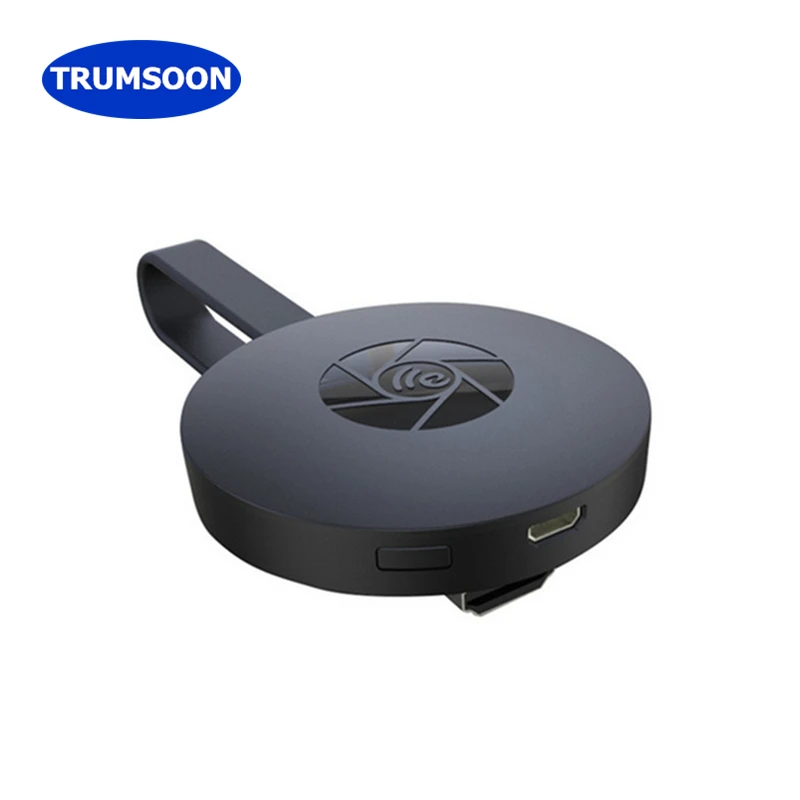
TRUMSOON Miracast Anycast Mirascreen TV Stick DLNA Airplay HDMI-compatible Dongle Receiver 1080P for Android iOS | Электроника
История изменения цены
*Текущая стоимость 696,65 уже могла изменится. Что бы узнать актуальную цену и проверить наличие товара, нажмите "Добавить в корзину"
| Месяц | Минимальная цена | Макс. стоимость | Цена |
|---|---|---|---|
| Mar-19-2026 | 828.30 руб. | 869.71 руб. | 848.5 руб. |
| Feb-19-2026 | 821.45 руб. | 862.79 руб. | 841.5 руб. |
| Jan-19-2026 | 689.40 руб. | 723.2 руб. | 706 руб. |
| Dec-19-2025 | 807.10 руб. | 847.56 руб. | 827 руб. |
| Nov-19-2025 | 703.48 руб. | 738.32 руб. | 720.5 руб. |
| Oct-19-2025 | 793.62 руб. | 833.35 руб. | 813 руб. |
| Sep-19-2025 | 786.2 руб. | 825.37 руб. | 805.5 руб. |
| Aug-19-2025 | 780.31 руб. | 819.90 руб. | 799.5 руб. |
| Jul-19-2025 | 773.24 руб. | 812.31 руб. | 792.5 руб. |
Описание товара
Features:
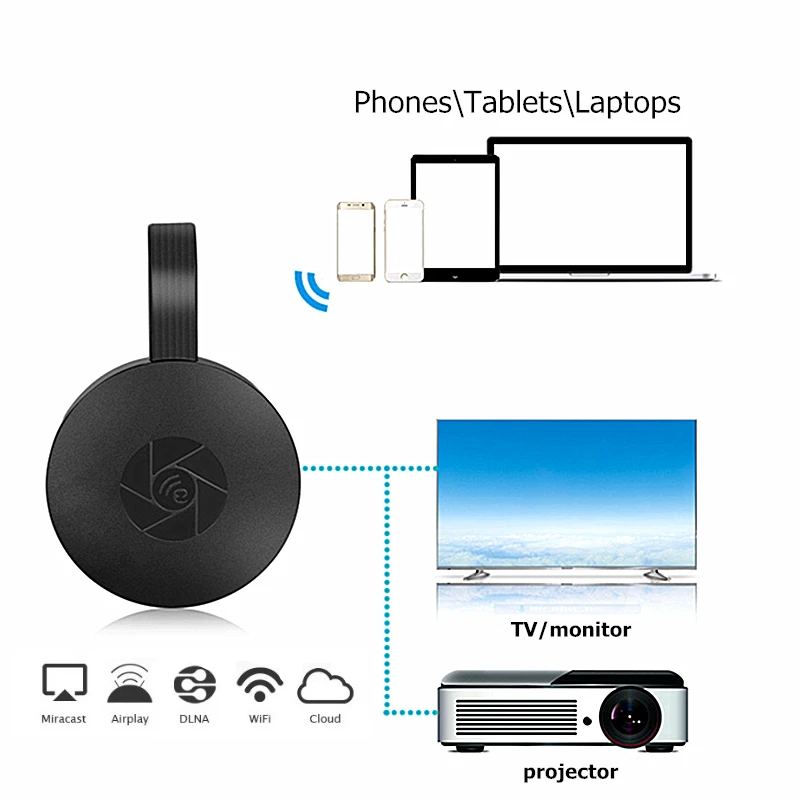
WiFi range: 10m;
Resolution: Max 1920 x 1080;
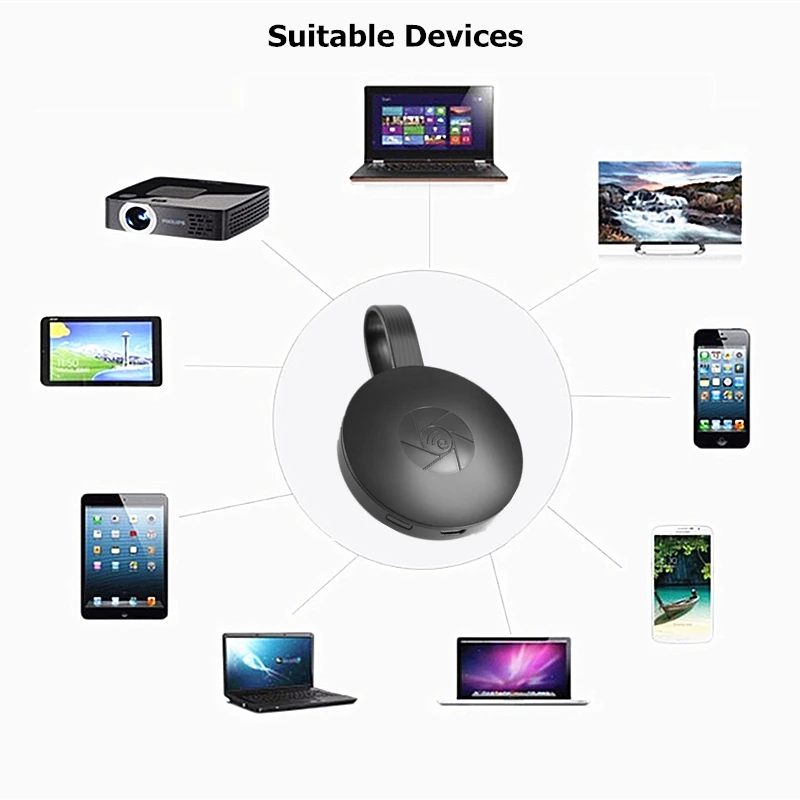
Support System: IOS 8.0/Android 4.2/Windows 7/MacOS 10 Above.
How to Connect:
1. Connect Dongle to TV/monitor HDMI port and keep on 5V/2A power charging.
2. Get SSID(MiraScreen-*****) and PSK/Password (12345678) on TV Screen page.
3. Connect Dongle in WLAN Setting on Phone. IOS/OS, Android/windows devices are all kept in "Airplay mode", Find SSID name and enter PSK/Password.
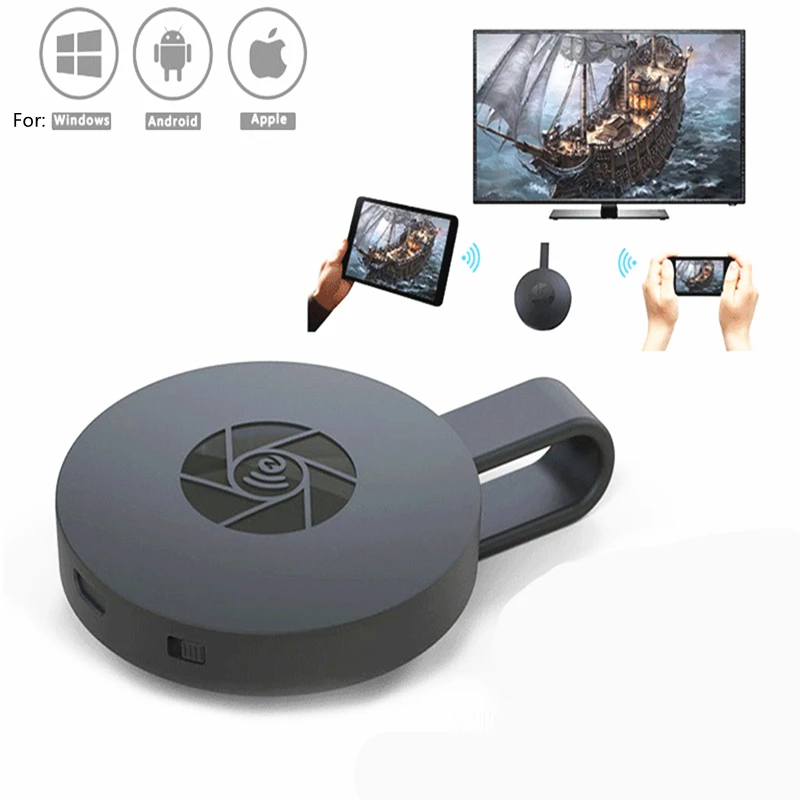
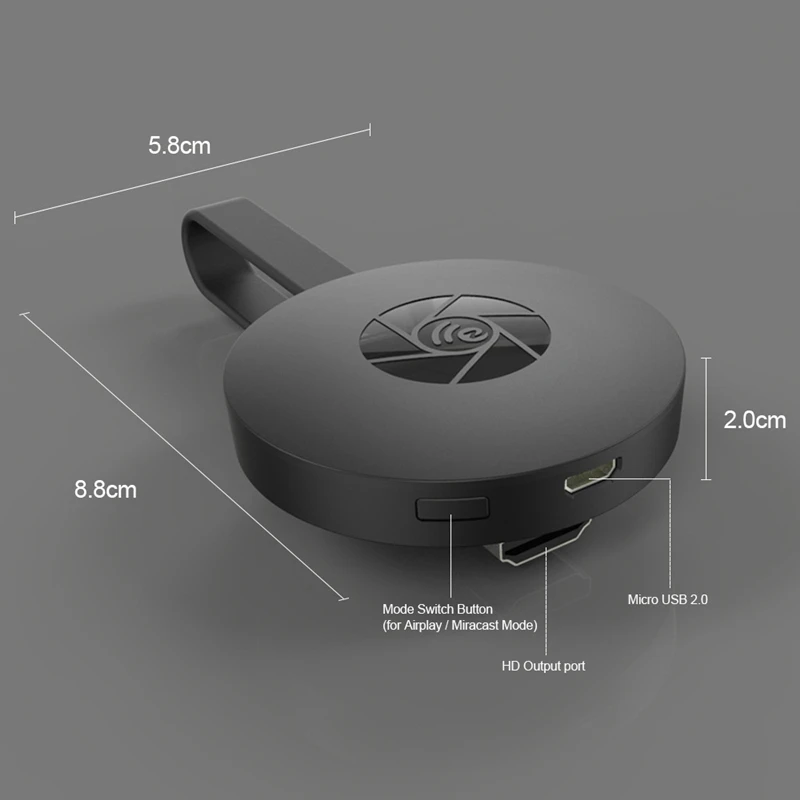
4. Turn on the phone mirroring function Airplay/Cast. The adapter defaults to Airplay mode (ios, os devices), you can directly open Airplay and click on the SSID name to connect to the adapter;
Switch to Miracast mode (Android, windows devices), press the button at the bottom of the adapter to switch the mode. Open Miracast and click the SSID name to connect to the adapter.
Connect to Home Wifi Steps:
Same 4 steps above
5. Go to browser(Safari or others) and input 192.168.203.1 to the setting menu(You can connect your home wifi here by clicking "Internet").
6. Pull up the Control Center on Phone and turn on Airplay or screen Cast, and select display dongle SSID to start mirroring.
Now your Phone screen will be mirrored to your TV now.
How to connect to Google home:
1. Make sure your mobile phone or computer and Dong are connected to the same home Wifi;
2. Open the Mirascreen of Google home, search for SSID, and click connect.
Notes:
1.Please read the user manual first.
2.Connect the USB plug with 5V/2A adapter to supply the power;
3.When you turn on the "airplay" or "mira cast "function, If your device is iphone, iPad, Macbook, please select "Airplay mode" (the first one by default, no need to select);
If your device is an Android phone or tablet or a Windows system device, please select "Miracast Mode" (click the button at the bottom of Dong).
4.Some APP may not be supported, such as paid APP.
5.If you can’t find the SSID name on the mobile computer WLNA, Long press the button "reset" at the bottom of the adapter, or unplug the power cord to restart the adapter. open WLNA to find the SSID name (MiraScreen-***), enter the PSK password, and it will be automatically saved in the future. You don’t need to connect to the Dong SSID again, but just turn on the phone. Electric Airplay/Miracast.When an IOS/OS or Android/windows device is connected to Dongle for the first time, all of them remain in Airplay mode.
6.Contact with our service team first if you can not operate well.it is very important.
Package Includes:
1 x Dongle
1 x Wifi Receiver
1 x USB Cable
1 x User Manual


Смотрите так же другие товары: