

Новое поступление

Настенные зарядные устройства для игрового мальчика Advance GBA SP портативный

wired USB base battery charger for xbox 360 wireless controller black white |
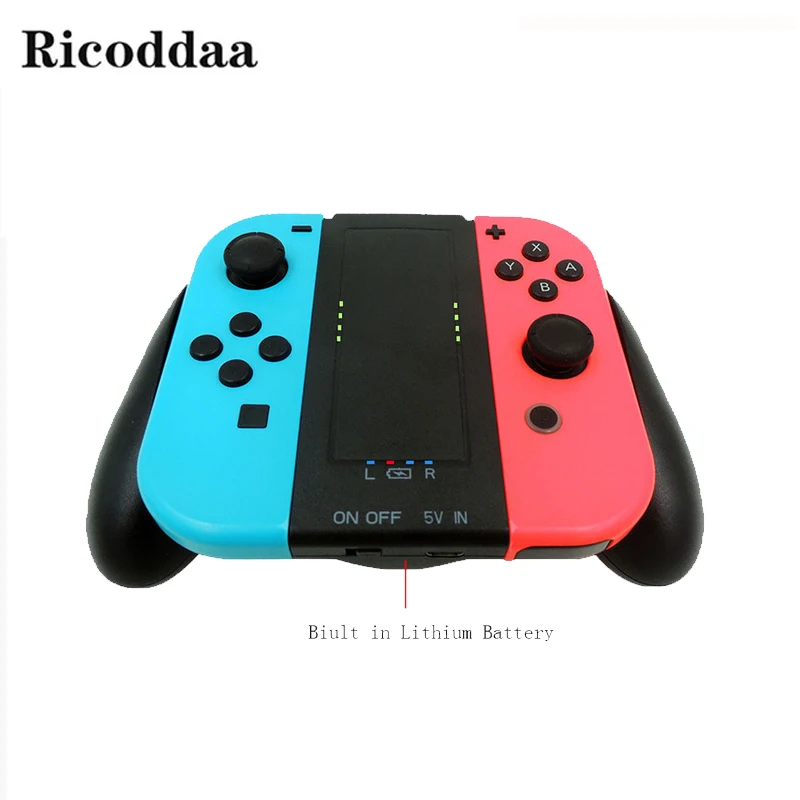
Встроенная перезаряжаемая батарея 2000 мАч для Nintendo Switch ручная зарядная станция
981,49 руб.

Двойное зарядное устройство Micro USB док-станция для зарядки подставка PS 4

Арбол скребок панель черный и фуксия | Электроника

Умная зарядная станция Док-станция зарядное устройство для Wii U геймпад пульт
1 021,12 - 1 029,49 руб.

Wireless Controller Fast Charger Stand for Playstation 4 PS4/SLIM/PRO Dualshock PS PRO Game Pad Joystick Charging Dock Station |
458,06 руб.

E-Going Store
Магазина E-Going Store работает с 04.12.2018. его рейтинг составлет 89.51 баллов из 100. В избранное добавили 257 покупателя. Средний рейтинг торваров продавца 4.5 в продаже представленно 4411 наименований товаров, успешно доставлено 3600 заказов. 667 покупателей оставили отзывы о продавце.
Характеристики
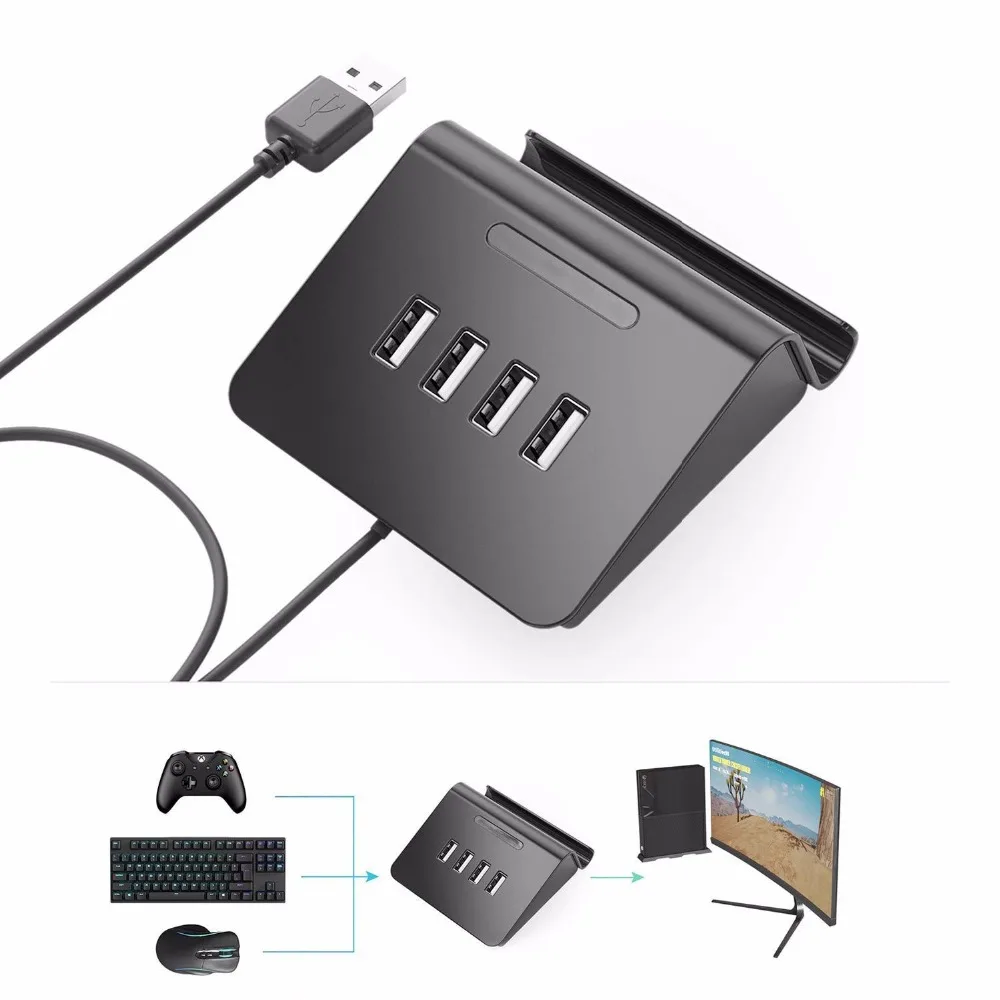
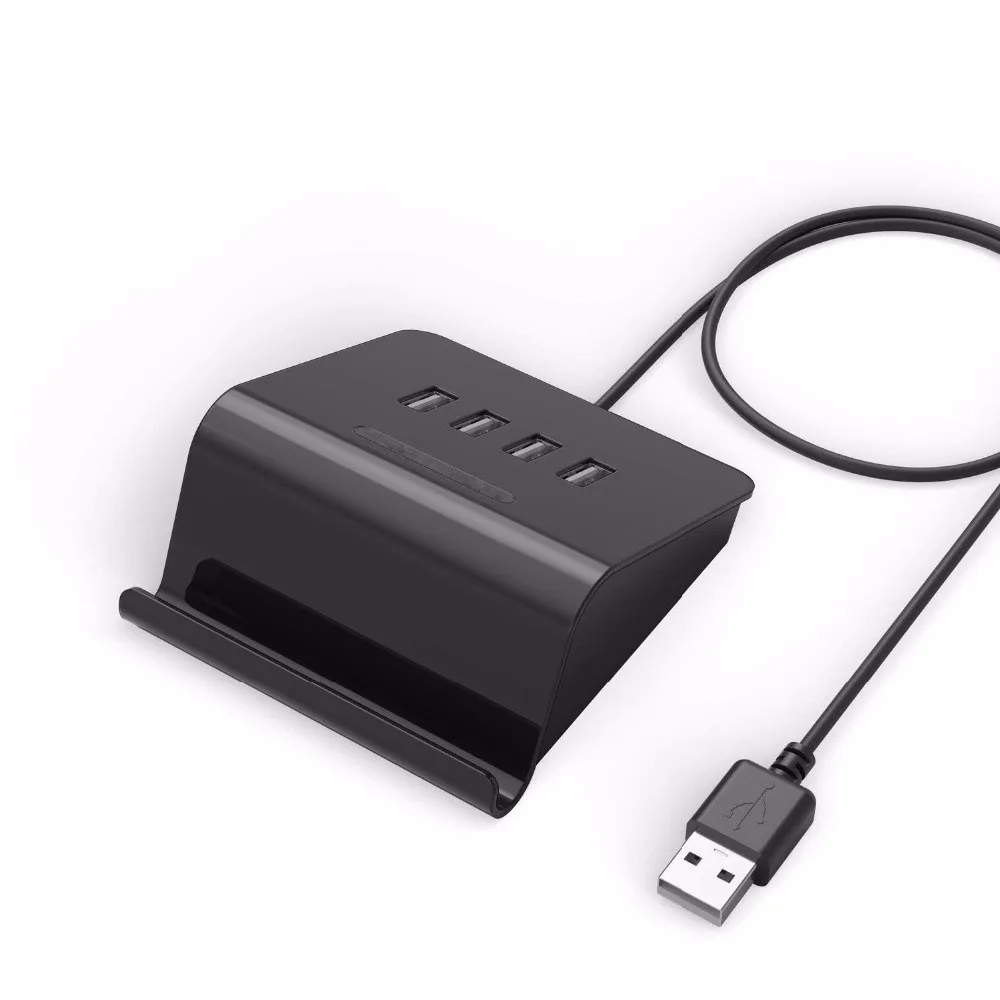
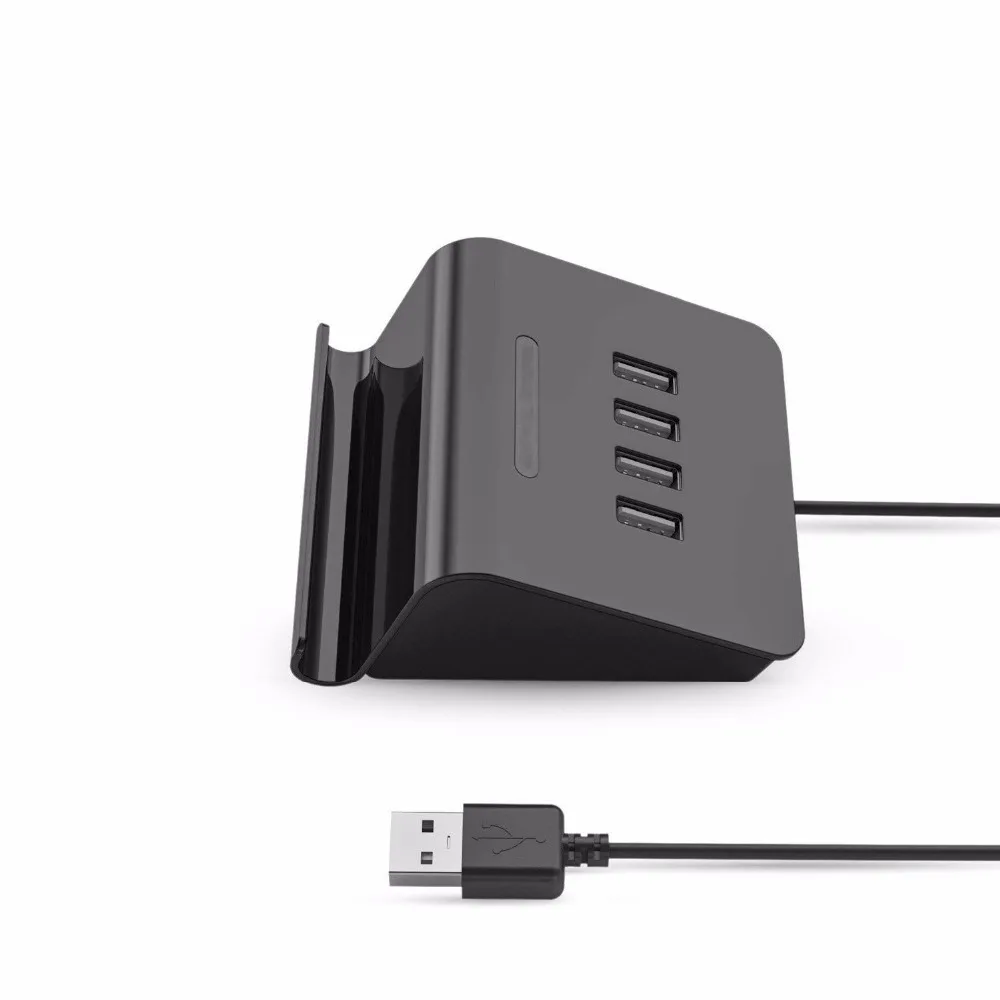
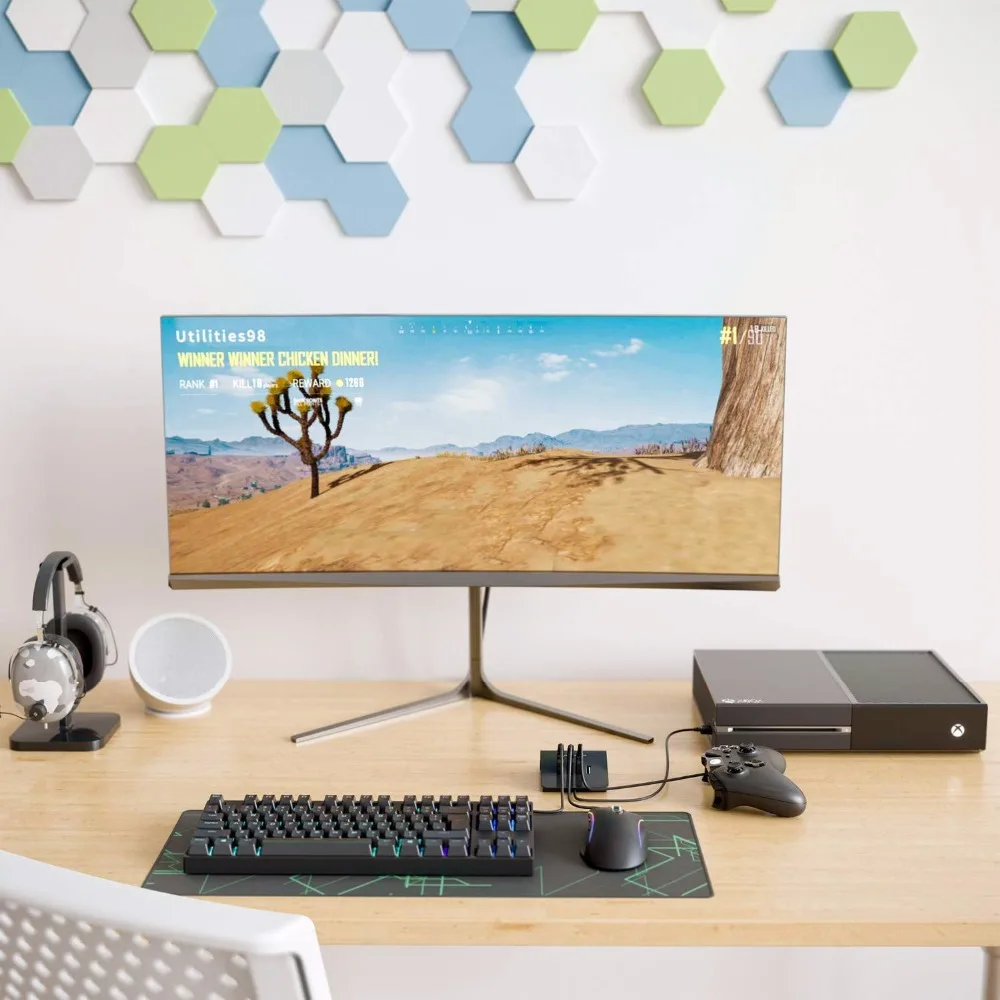
Top For PUBG FPS Game Controller Keyboard and Mouse 4 in 1 HUB Adapter for PS3 / PS4 XBOX One Nintendo Switch | Электроника
История изменения цены
*Текущая стоимость уже могла изменится. Что бы узнать актуальную цену и проверить наличие товара, нажмите "Добавить в корзину"
| Месяц | Минимальная цена | Макс. стоимость | Цена |
|---|---|---|---|
| Mar-22-2026 | 0.47 руб. | 0.64 руб. | 0 руб. |
| Feb-22-2026 | 0.10 руб. | 0.74 руб. | 0 руб. |
| Jan-22-2026 | 0.54 руб. | 0.98 руб. | 0 руб. |
| Dec-22-2025 | 0.91 руб. | 0.55 руб. | 0 руб. |
| Nov-22-2025 | 0.93 руб. | 0.58 руб. | 0 руб. |
| Oct-22-2025 | 0.26 руб. | 0.74 руб. | 0 руб. |
| Sep-22-2025 | 0.41 руб. | 0.61 руб. | 0 руб. |
| Aug-22-2025 | 0.31 руб. | 0.4 руб. | 0 руб. |
| Jul-22-2025 | 0.75 руб. | 0.4 руб. | 0 руб. |
Описание товара

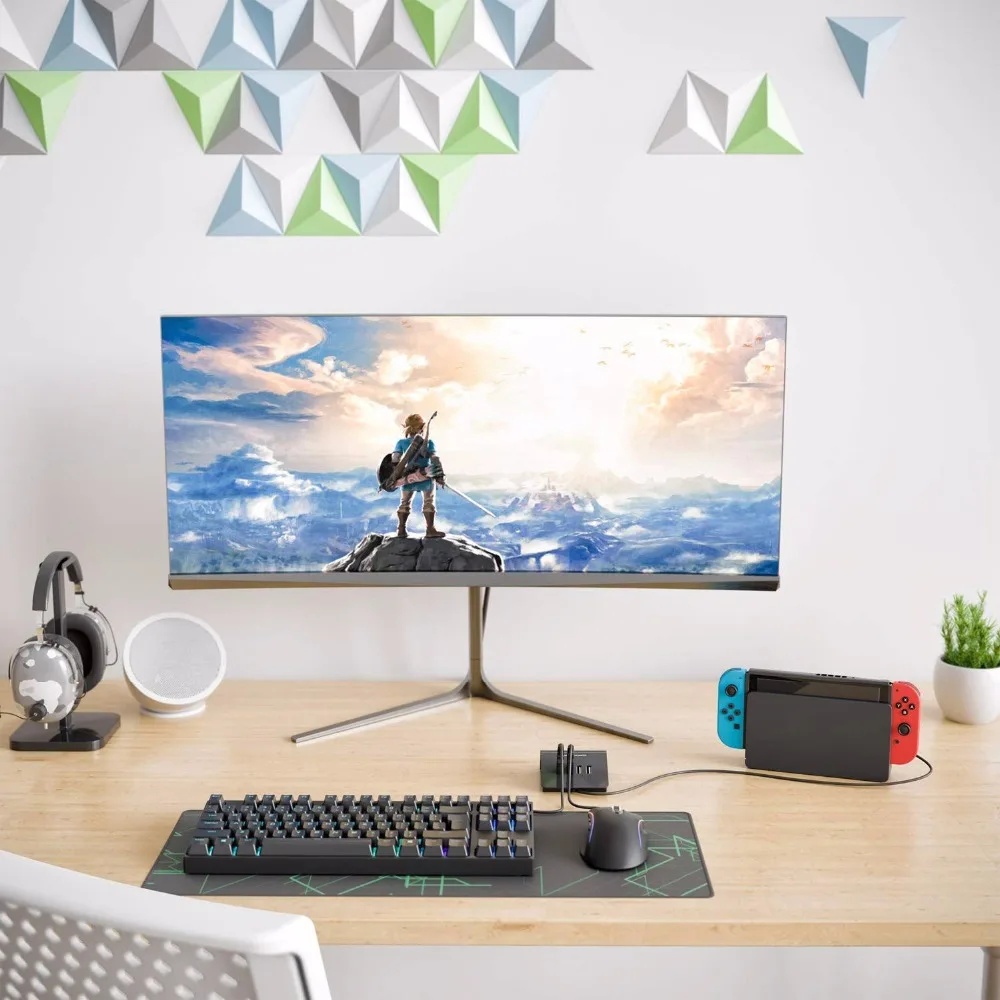
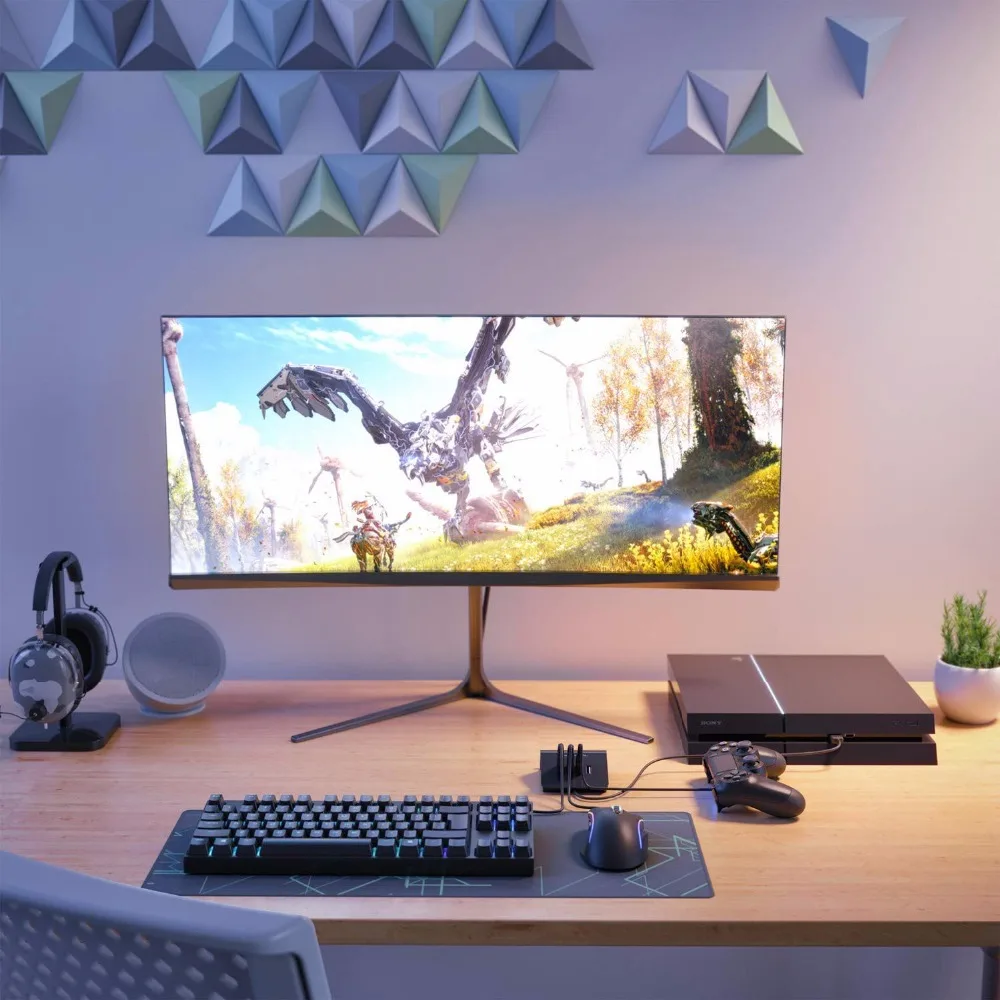
Enables using a Keyboard & Mouse in place of Game Console Controller. Support latest PS3, PS4, Xbox One & Nintendo Switch.
Bring the control and accuracy of your Keyboard & Mouse to your game console for the ultimate gaming experience. Great for FPS (First Person Shooter), RPG (Role Playing Games) and RTS (Real Time Strategy) games.
NOTE: It says "mouse connected" when you plug the Adapter to PS4 console.It says "mouse disconnected" when the Keyboard Mouse activated successfully. The controller and headset on controller DO NOT WORK when the Keyboard Mouse is in use. You must connect our Keyboard Mouse Adapter to your console USB port. Cant use other extension HUB.
If the Keyboard Mouse do not work after plug in. Unplug and plug it to the console again. You must turn on the "PRO Controller Wired Communication" when you use our Adapter on Nintendo Switch console. Go to "Settings" - "Controllers and Sensors" and click "On" of "PRO Controller Wired Communication".
Our Adapter is already compatible with most popular keyboard and mouse brands in the market. But still some not works from the thousands of keyboard mouse models in the market. If you receive the Adapter not working properly with your keyboard or mouse.
How to use the Keyboard Mouse Adapter on PS4 / Xbox One console?
Step 1: Turn on your console. Plug the Adapter into your PS4 / Xbox One console.
Step 2: Connect your OFFICIAL PS4 / Xbox One Controller to the Adapter via USB cable.(NOTE: CONTROLLER MUST BE POWERED OFF)
Step 3: Plug your favorite Keyboard and Mouse into the Adapter. Wait for about 10 seconds the Keyboard Mouse will be activated successfully.
Step 4: Destroy the competition!
How to use the Keyboard Mouse Adapter on PS3 / Nintendo Switch console?
Step 1: Turn on your console. Plug the Adapter into your PS3 / Nintendo Switch console.(Switch console should be in TV mode and Adapter
should be pluged into the Switch Dock.)
Step 2: Plug your favorite Keyboard and Mouse into the Adapter.
Step 3: Press Ctrl+1 to activate Keyboard Mouse on PS3. Press Ctrl+2 to activate Keyboard Mouse on Nintendo Switch.
Step 4: Destroy the competition!
Keyboard Mouse Adapter,the breakthrough gaming controller adapter, brings the unmatched speed and precision of
a keyboard and mouse to console gaming. Play PS3 / PS4 / Xbox One / Nintendo Switch games using a keyboard and mouse instead of
the joystick controller for increased speed and accuracy.
colour: black
material: plastic
size: 10*8*3.4cm
Package Contents:
1 * HUB Adapter
Only the above package content, other products are not included.
Note: Light shooting and different displays may cause the color of the item in the picture a little different from the real thing. The measurement allowed error is +/- 1-3cm.



Смотрите так же другие товары: